UI
Repo: rmf2-ui
Not part of the demo
The UI is not included in the ros_industrial_demo stack.
It will be added in a future release.
React Library and Sample Web Dashboard for RMF2
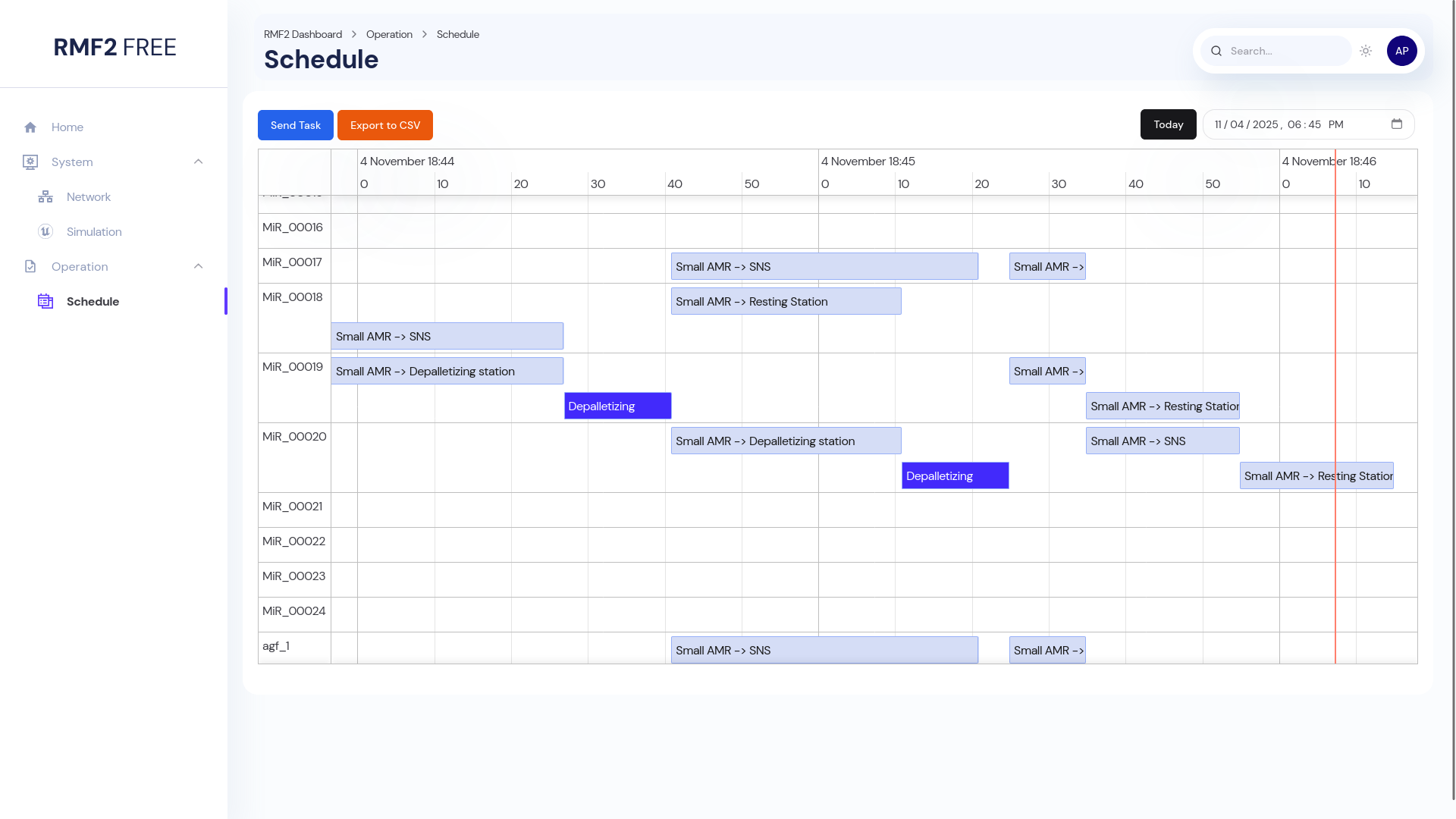
Project Structure
This project follows a pnpm monorepo structure.
apps: Example apps built using
@rmf2-uicomponents- dashboard: RMF2 sample dashboard
packages: Packages here are generic functionality for RMF2 dashboard, all the packages here are prefixed with
@rmf2-ui- chakra:
@rmf2-ui/chakrapackage. This package contains pre-built RMF2 React components using Chakra UI - client:
@rmf2-ui/clientpackage. This package contains generated OpenAPI TS Client and some helper functions. - data:
@rmf2-ui/datapackage. This package contains basic TS and JS data structure used by all other packages.
- chakra:
Source Installation
Install pnpm (10 and later) and NodeJS (22 and later)
curl -fsSL https://get.pnpm.io/install.sh | sh -
source ~/.bashrc
pnpm env use --global 24
Clone the repo
git clone git@github.com:ros-industrial/rmf2-ui.git
cd rmf2-ui
Install dependencies
pnpm installUsage
Quick Start
Serve the dashboard.
pnpm startThe sample dashboard is accessible at http://localhost:3000.
TIP
This command forces a clean rebuild of all the @rmf2-ui/* packages. Watch is also disabled by default for these packages. Only changes to the dashboard package gets live update to the webpage.
Build and Preview
Build all packages
pnpm buildPreview dashboard
pnpm app preview --port 3000Other Useful Commands
Build all @rmf2-ui/* packages
pnpm --filter @rmf2-ui/* buildBuild specific @rmf2-ui packages (For example, @rmf2-ui/chakra)
pnpm --filter @rmf2-ui/chakra build

# or

pnpm chakra build
Enable live update for @rmf2-ui packages
pnpm --filter @rmf2-ui/chakra build --watch

# or

pnpm chakra build --watch
TIP
This requires additional system resources that may be utilized by your IDE performance.
Launch the dashboard
pnpm app devDocker Usage
Run the dashboard
docker run -p 3000:80 --rm ghcr.io/ros-industrial/rmf2-ui/dashboard:mainThe sample dashboard is accessible at http://localhost:3000. For more information, check out the detail docker instructions.